Showing posts with label Photoshop. Show all posts

March 29, 2012

Quiet housing

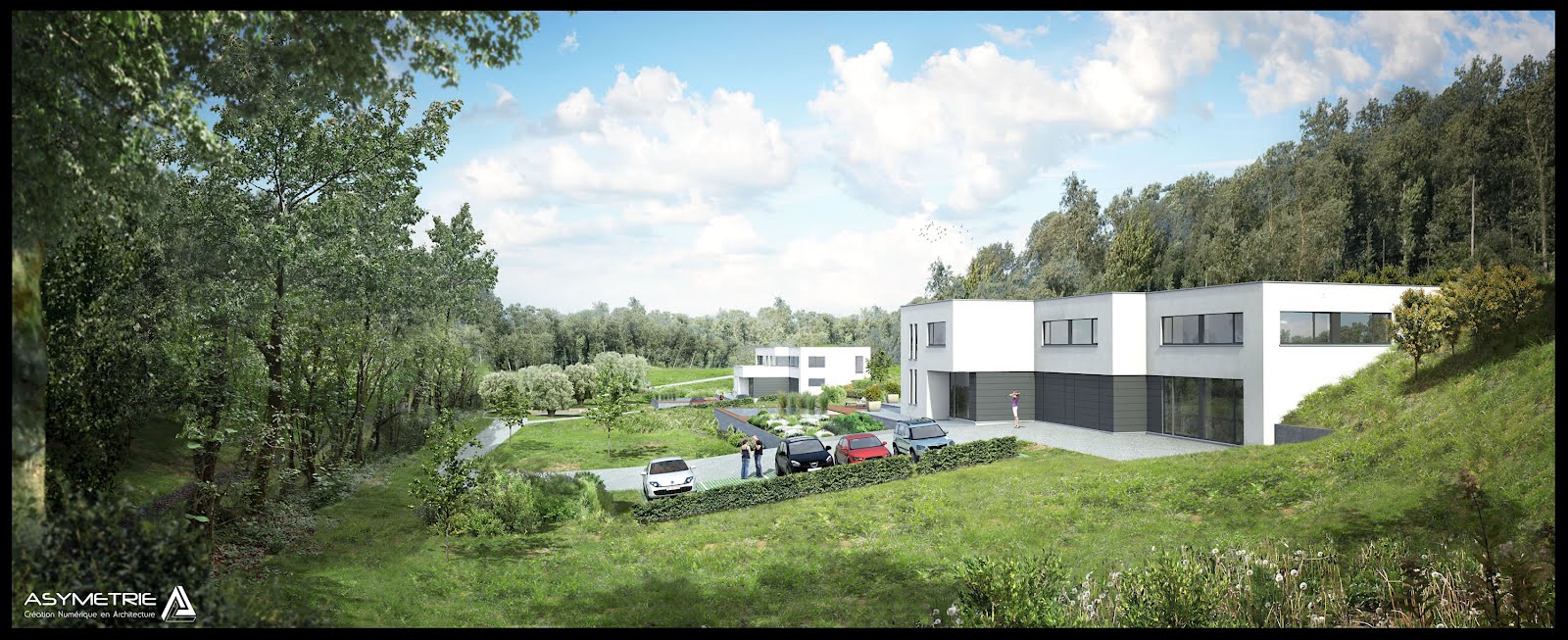
Hi all, here are some more images with quite heavy postwork.

Base renderings were made by a colleague on Artlantis.

It was a lot of fun to make this. Original composition width around 6000px - 7000px.


Mike

February 7, 2012

From scratch to viz

Sometimes fun to compare clients sketches and results.


I haven't stopped this blog I only have important family life projects since a few months, I'll be back to really update this blog and post tutorials soon.

Mike

June 15, 2011

Session #4 Basic Ivy painting in Photoshop

As promised here is a short explaination of how ivy is painted in the complete postwork session. This is a fun technic that can be used for many things.


Enjoy !

M!ke

June 8, 2011

Watch & learn : Postprod work from A to Z

Hi all !

Here is a complete post work form me at 8x speed. This is not a real tutorial as nothing is really explained. Anyway, it shows a full process of 3d architectural integration, with different basic techniques and processes.


This job was made for Asymetrie, the project is from one of our customers.

For those interested, notice that I offer my postwork services, if you or your studio love 3d and want to get a nice postwork job, do not hesitate to contact me @ mike_barrin-at-hotmail.com.


Feel free to give your opinion, critics, advises, or even bank card details ;)

Make me know if you liked it.

M!ke

May 25, 2011

Session #3 Extract Plugin/Filter & High Contrast Cutout in Photoshop

Following tutorial shows 2 fast and efficient technics of cutting out skies or other things.

The Extract Plugin/Filter can be found Here at :

for windows : http://www.adobe.com/support/downloads/detail.jsp?ftpID=4048

for mac : http://www.adobe.com/support/downloads/detail.jsp?ftpID=4047

Do no hesitate to ask questions, request tutorials or comment !


M!ke

May 23, 2011

Session #2 Basic shadow casting in Photoshop

Here is the 2nd tip and tricks. This one shows a way to simulate shadow casting of a cutout tree. What you should keep in mind is that this is only one method among many others, which is not supposed to be physically accurate.
I must first show some basic tricks... We'll really get into it later ;).

Do not hesitate to share / comment.


Mike